
Hierarchical Structure in Organizations: A Complete Guide
By Hemlata Maheshwari / January 20, 2026
Learn what hierarchy is, how the levels work, what it unlocks (and breaks), and how org chart software keeps it...
Read More



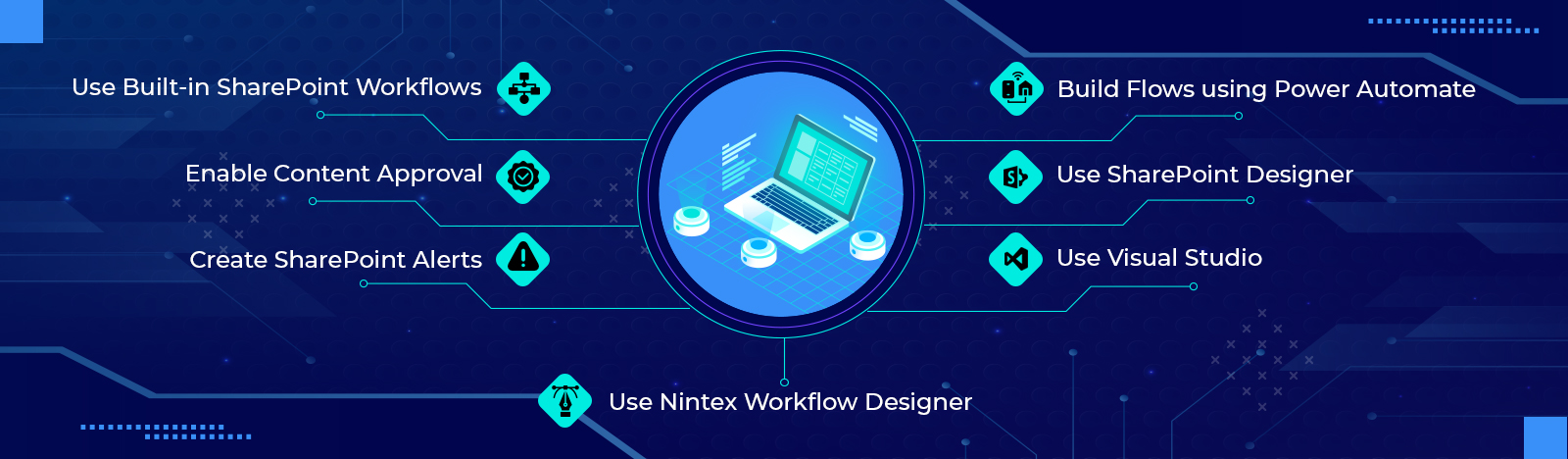
Enterprises need to better align technology with their unique business processes. While adopting this change, modernizing legacy applications and services to cloud-ready and always-on systems is essential. Microsoft 365 offers a variety of tools and solutions to enhance your existing processes and services or adapt to emerging operational patterns. In this blog, we will walk […]

Are you looking for the best strategies for your SharePoint Online migration? If so, it helps to explore the best practices for migrating to the online version. Usually, organizations opt for migrating content from your existing SharePoint site or a third-party document library to SharePoint Online. Organizations migrate their data online to reap the benefits […]
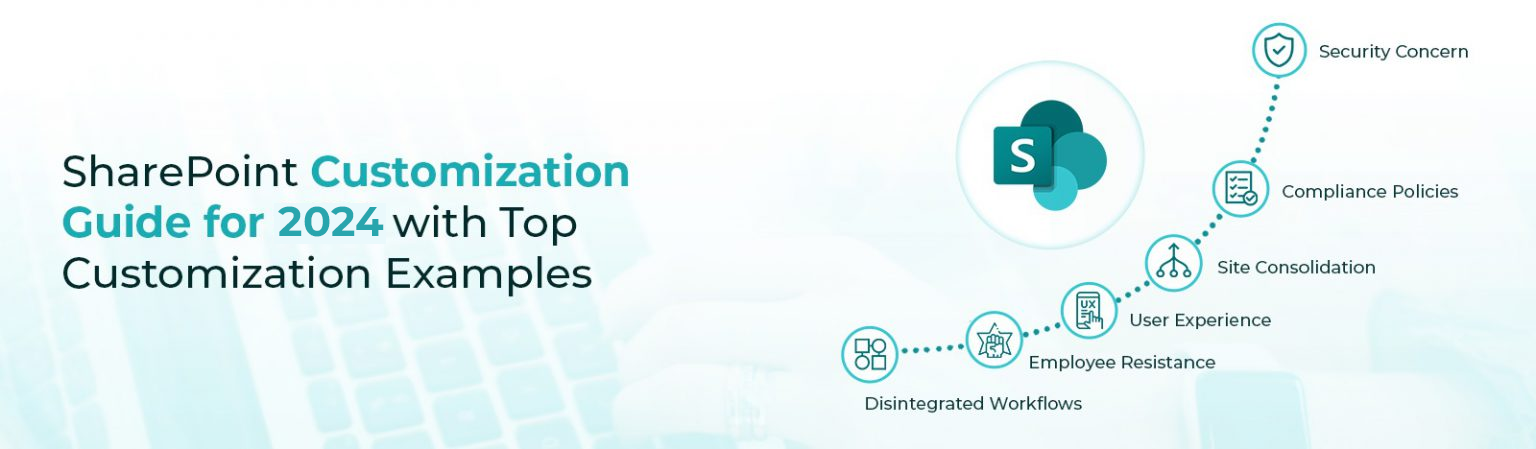
SharePoint has been around for the last two decades as a go-to tool for productivity and collaboration.,. With more than 78 percent of Fortune 500 organizations including smaller, mid-sized, and larger enterprises using it, SharePoint has become the most popular tool for developing online and offline capabilities. It allows businesses to regulate and restrict access […]
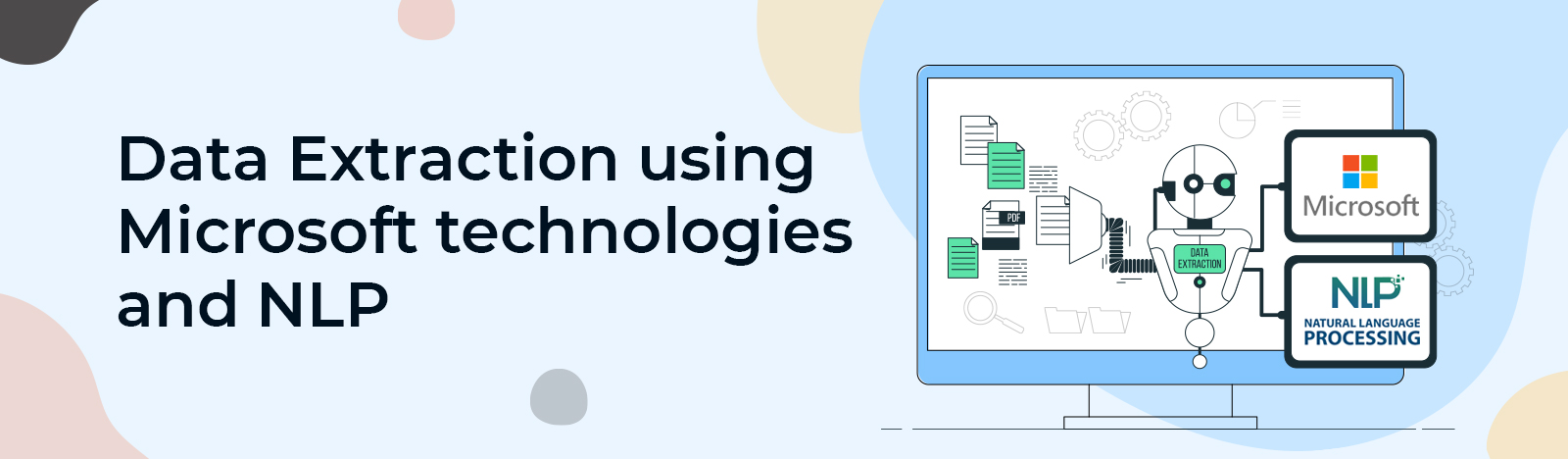
Introduction As the world is digitizing, everything we do on paper is also converted to digital files, folders, and word documents. In every business, there are several records that are kept on manual entries on papers. Software is being used to now record these entries in either word, pdf, or excel files for which the […]

Finally, SharePoint has put out a long-awaited feature: you can now create collapsible sections on SharePoint modern pages. The functionality allows organizations to include more content on pages, Users can expand the sections based on their needs and find relevant content faster. To create the collapsible sections on SharePoint pages, follow the steps below. […]
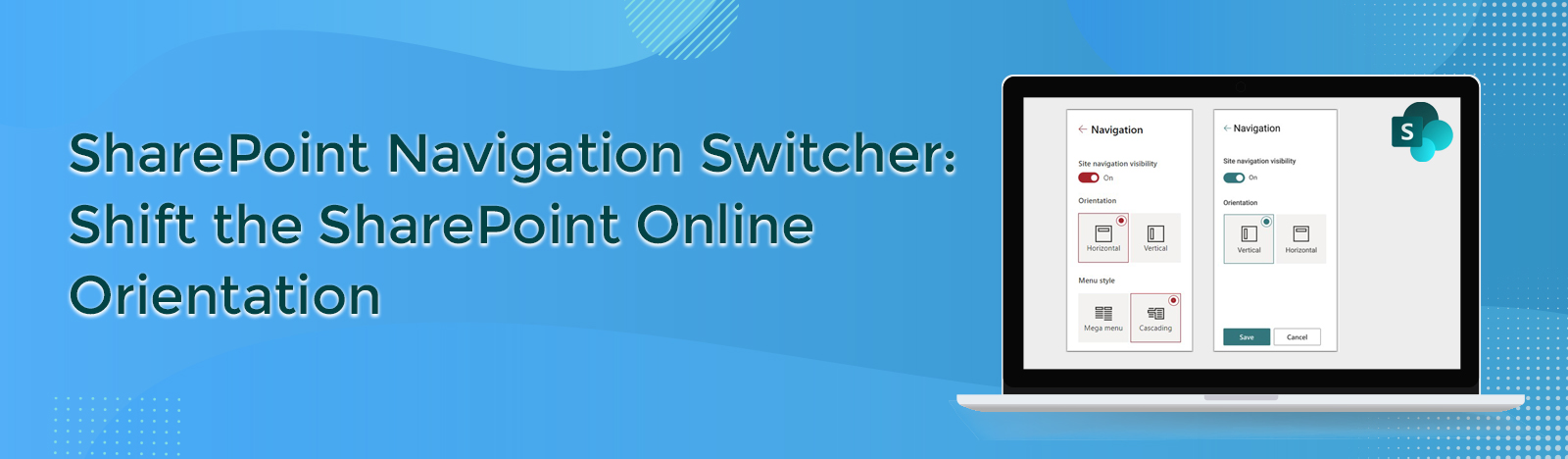
SharePoint users have been asking for the possibility to switch or change the orientation of the team site navigation from vertical to horizontal. Now, owners of team sites can change the navigation orientation of their sites from vertical to horizontal using the new navigation switcher option Microsoft recently revealed. The updated navigation switcher is now […]

You must have created an onmicrosoft.com domain when you signed up for Microsoft 365 for the very first time. The initial onmicrosoft.com domain is utilized for all SharePoint and OneDrive URLs, even if you later added a custom domain. You may now modify the domain in your SharePoint and OneDrive URLs using PowerShell if your […]
In the previous blog, we have seen that what is SharePoint Syntax and what are its features and pricing. In this blog, we will see how to install and configure SharePoint Syntex on Microsoft 365 environment. To install SharePoint Syntex in your Microsoft 365 tenant, you first need the required licenses by following the procedure […]
Digital asset management is a challenge to any business that needs to efficiently utilize the information stored in its documents. For example, a mortgage brokerage reviews thousands of documents each month like contracts, forms, billing statements, and tax returns. They need an automated system that classifies the different document types quickly while accurately extracting crucial […]
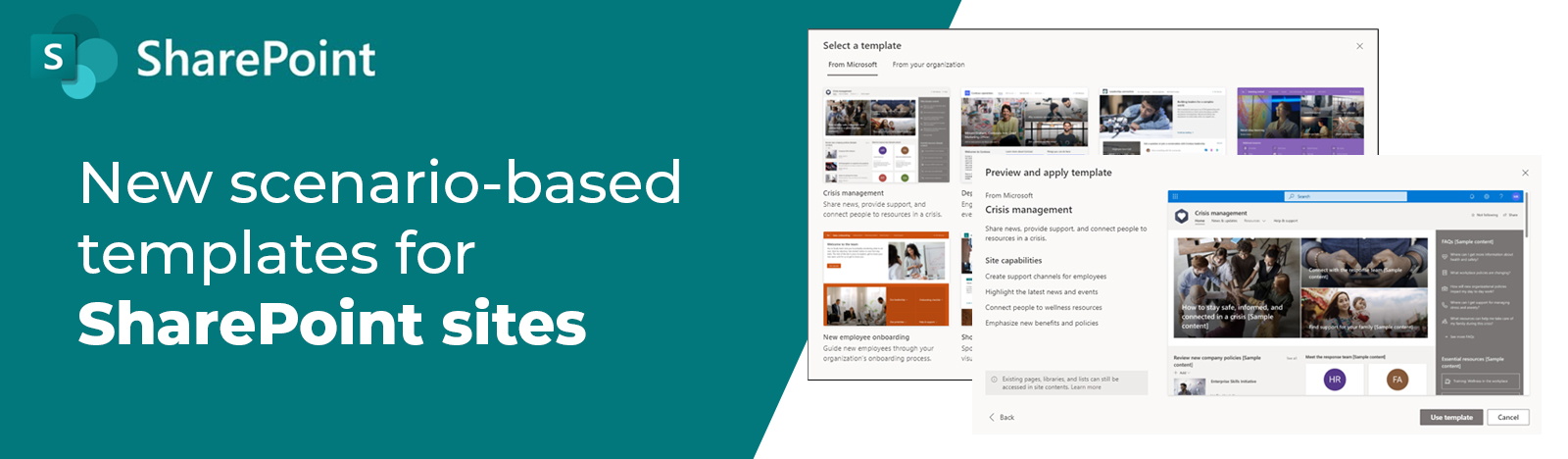
SharePoint now includes several site templates with pre-populated pages, page templates, news post templates, and web elements that may be changed to meet your organization’s needs. This new SharePoint release of scenario-based site templates will help you extend the capabilities of content, pages, and web parts while also allowing you to get started quickly constructing your own […]